Less rekeying
Bring field operations closer to your Sage management.

From reception to shipping, connect each operation of the warehouse to Sage 100. Give your teams the tools to find, prepare and trace the merchandise, directly on the ground.
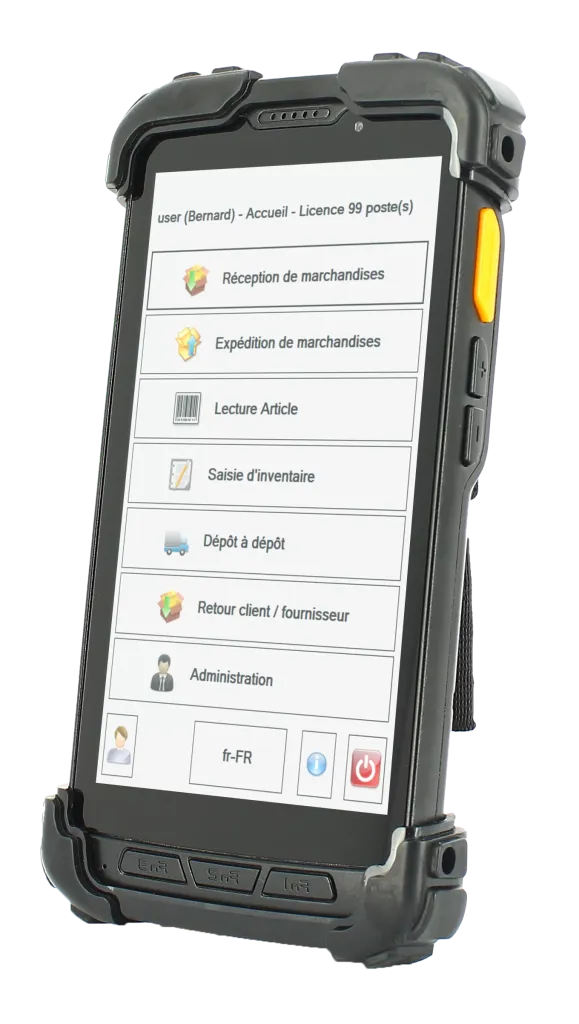
Your business management knows the orders. Your teams circulate the goods. EasyLogistic100 links these two realities.
Scan.Reading barcodesConsult.The warehouse functionsReceiving, preparations and movements are based on your Sage 100 environment.
Control the items, check the stock and enter the operations from the terminal.
Follow the quantities, locations and traceability elements involved in each flow.
Real-time connection via Wi-Fi or mobile network and RDP access. Infrastructure, coverage and equipment verified during the study.
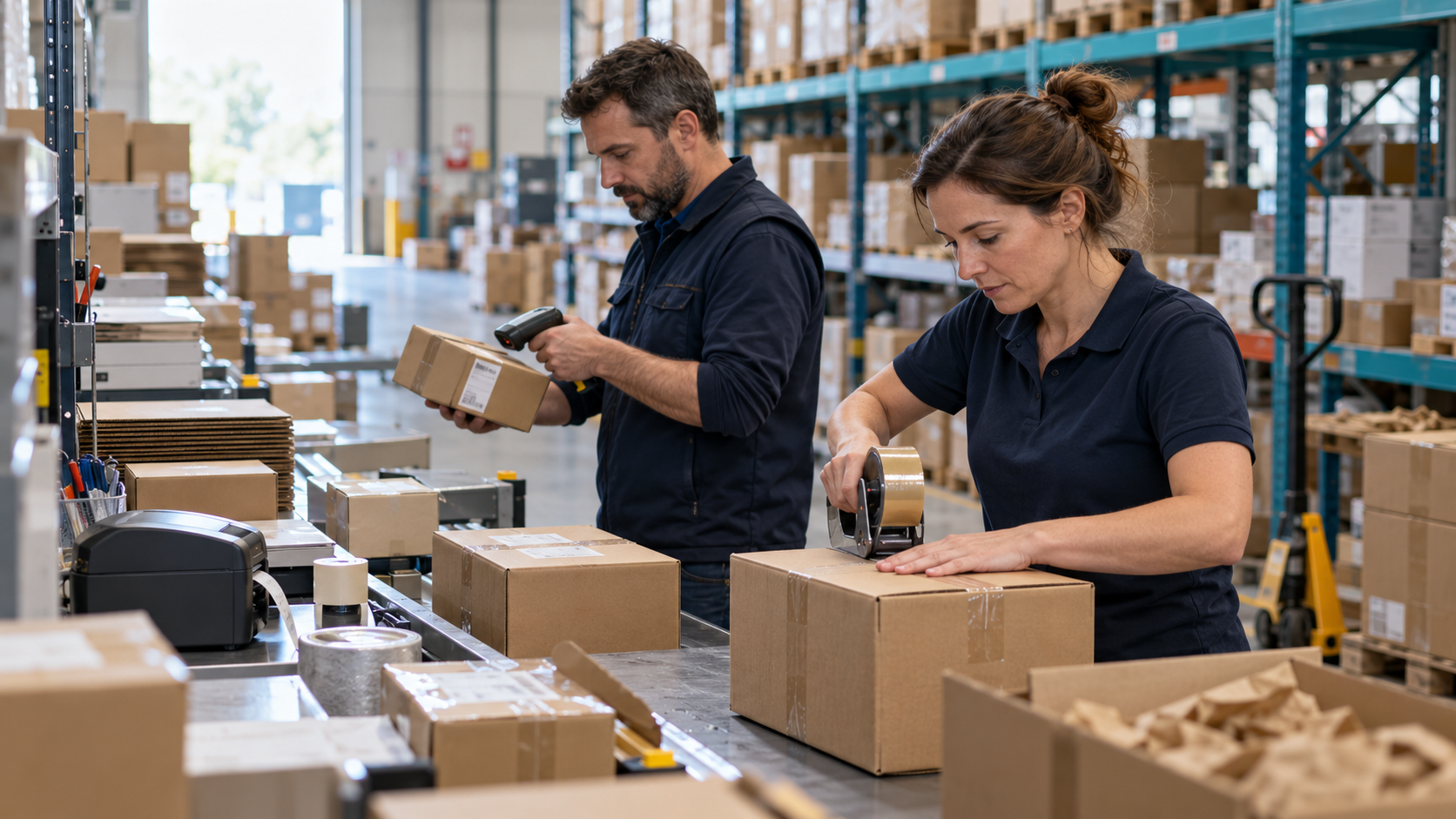
A reference to be taken, an article to be checked, a package to be prepared. Organize these gestures according to your volumes and your teams.
Combined picking and packing, separate stages or multi-order picking: let’s define the method that fits your workflows.
Picking and packing form a continuous process, where your organisation allows items to be picked and packed together.
The items are taken and then taken back to the packing station. This method allows to distinguish the work in the aisles of the packing step.
Several orders are handled during picking, before checking and packing. The route is designed around your workflows and locations.
Upstream, EasyPrepa100 can complete the device to transform orders into delivery preparations and assign them to users or groups.
Let's start with your articles, orders and constraints. Here are three contexts to build a relevant demonstration.
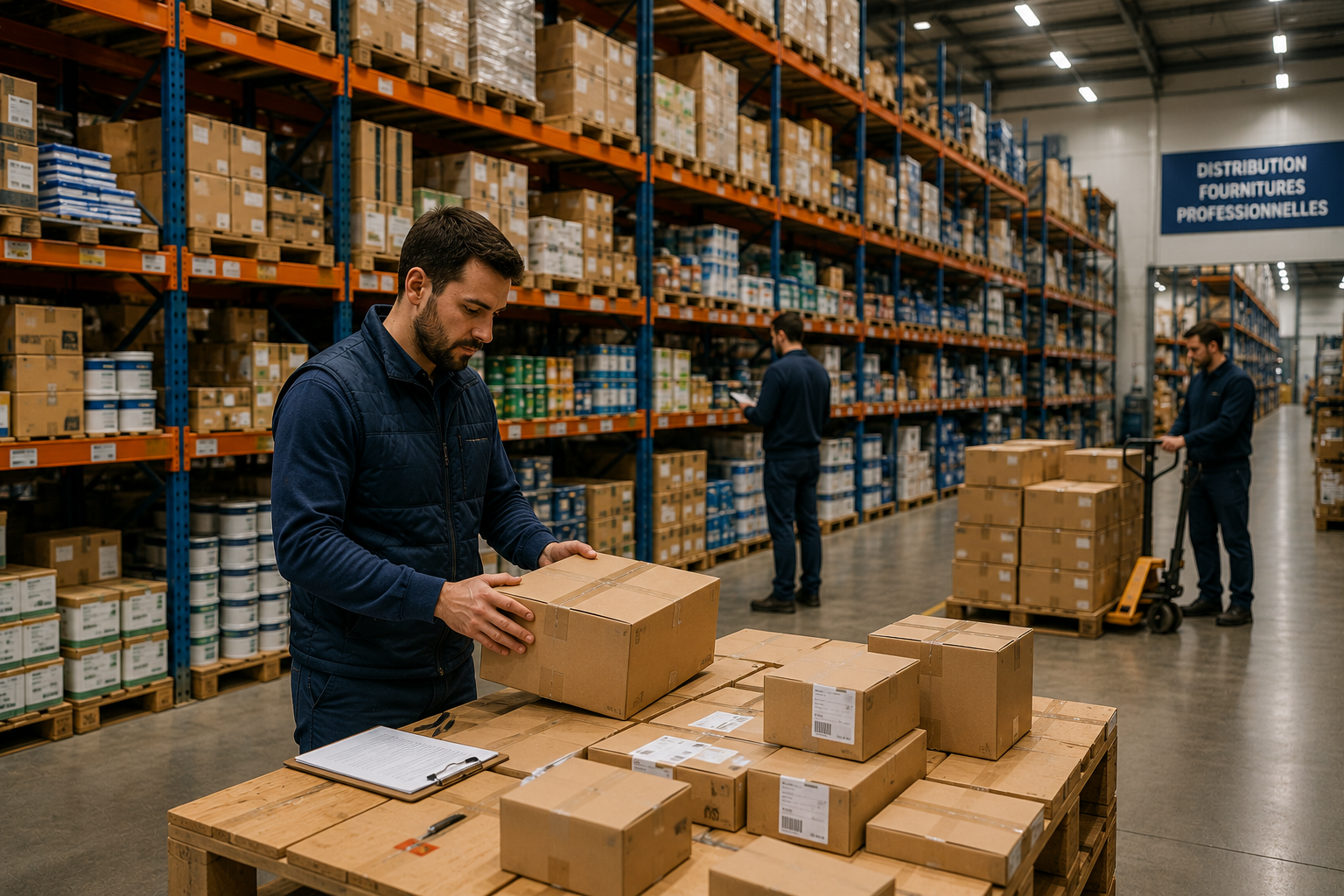
Supplier receipts, numerous products, locations and customer orders: connect warehouse operations to Sage 100.
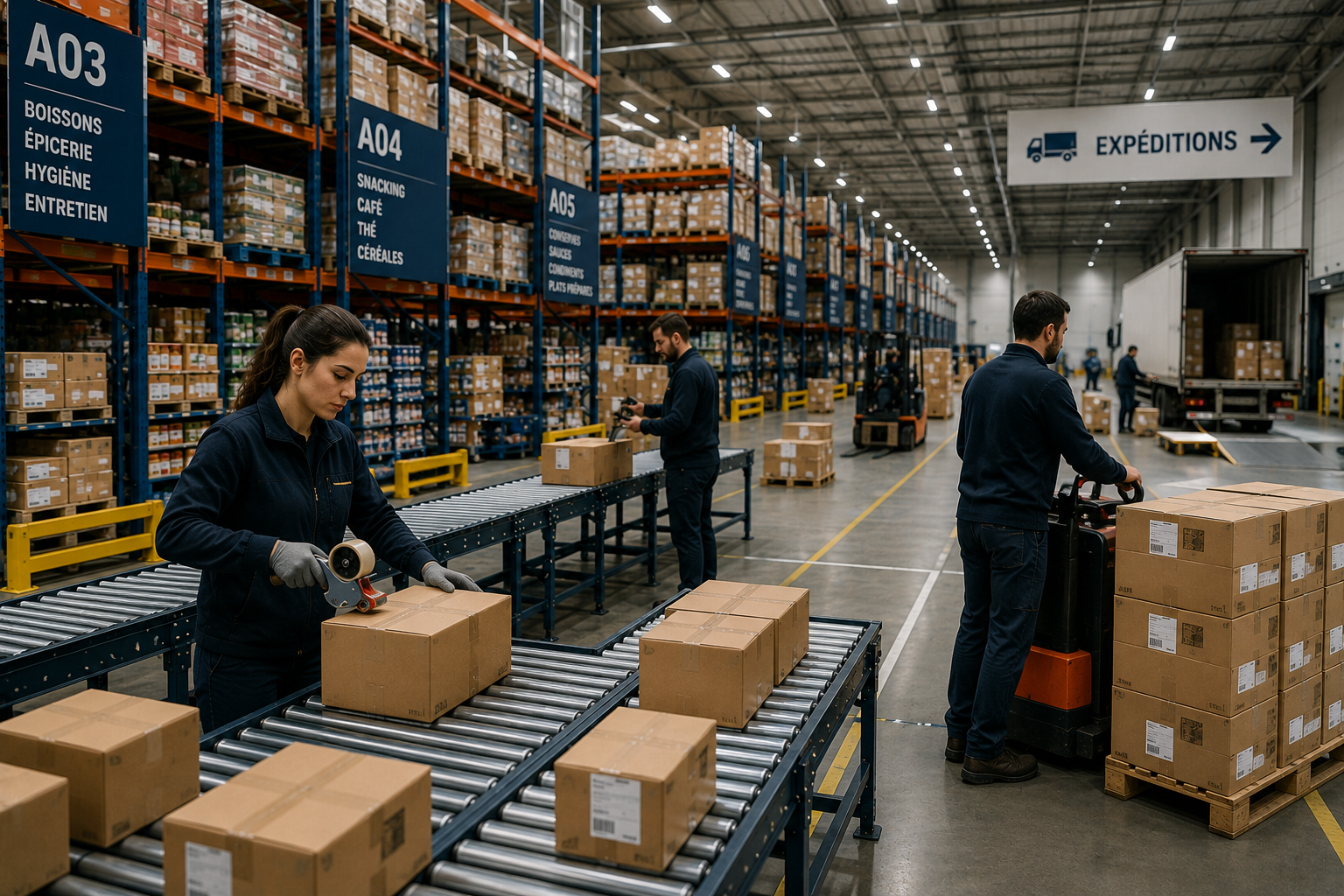
Organise picking, checking, packing and carrier data exchanges around the orders available in Sage.

Lots, series, expiry dates and movements: check the tracking scenarios that matter to your products.
A WMS must work in your warehouse, with your Sage documents, products and work habits. Alternetis will accompany you from the initial study to daily use.
We support companies in mainland France and overseas territories, with arrangements agreed for each project.
Let's talk about my project WMS →Receiving, storage, preparation, shipments, articles and infrastructure: we set out the uses and points to improve.
The configuration is prepared according to your Sage 100 environment and the selected operating rules.
Your users are accompanied on the operations they perform in the warehouse and the scenarios of their daily lives.
After commissioning, the accompanying service covers the issues of use, adjustments and further training needs.
Mobile terminals, barcode readers, label printers and network coverage are studied with your organization. For equipment, Alternetis relies on Softage, specialist in barcode and mobility solutions.
Before the demonstration, prepare your Sage version, the number of users, your warehouses and an example order to receive or ship.

French business software publisher since 2009.
We develop software that connects your tools, streamlines operations and supports the people who use it.